Why LeadConnector Integration Matters
Automate Lead Capture
Capture leads from your funnels automatically and sync them directly into your CRM without
manual data entry or spreadsheet management.
Trigger Follow-Up Sequences
Launch automated nurture campaigns based on prospect behavior, form submissions, and customer
actions to maximize conversion rates.
Unify Customer Data
Unify Customer Data
Keep all customer information synchronized across platforms so every team member has access to
current, complete data.
Setup Process
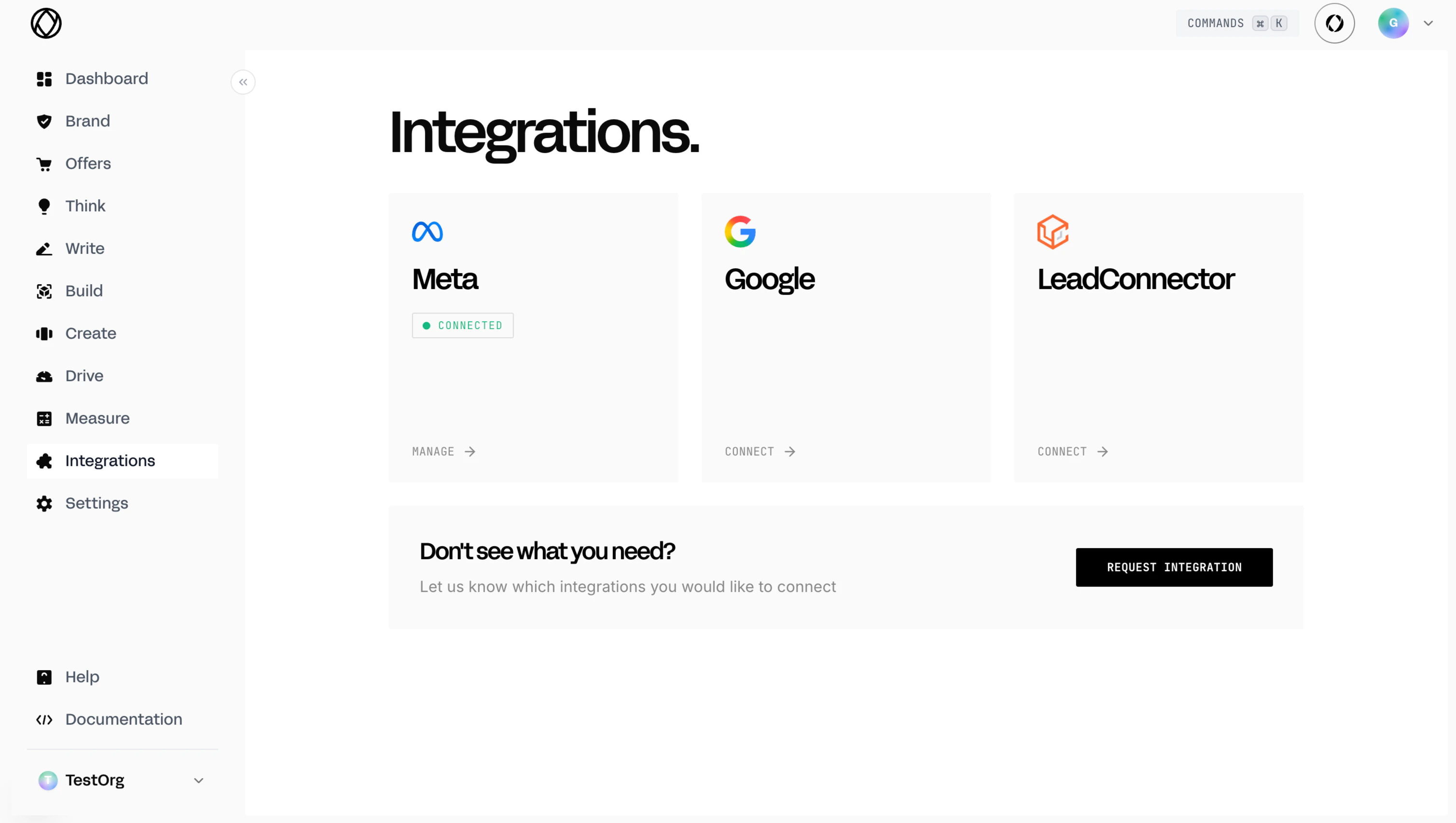
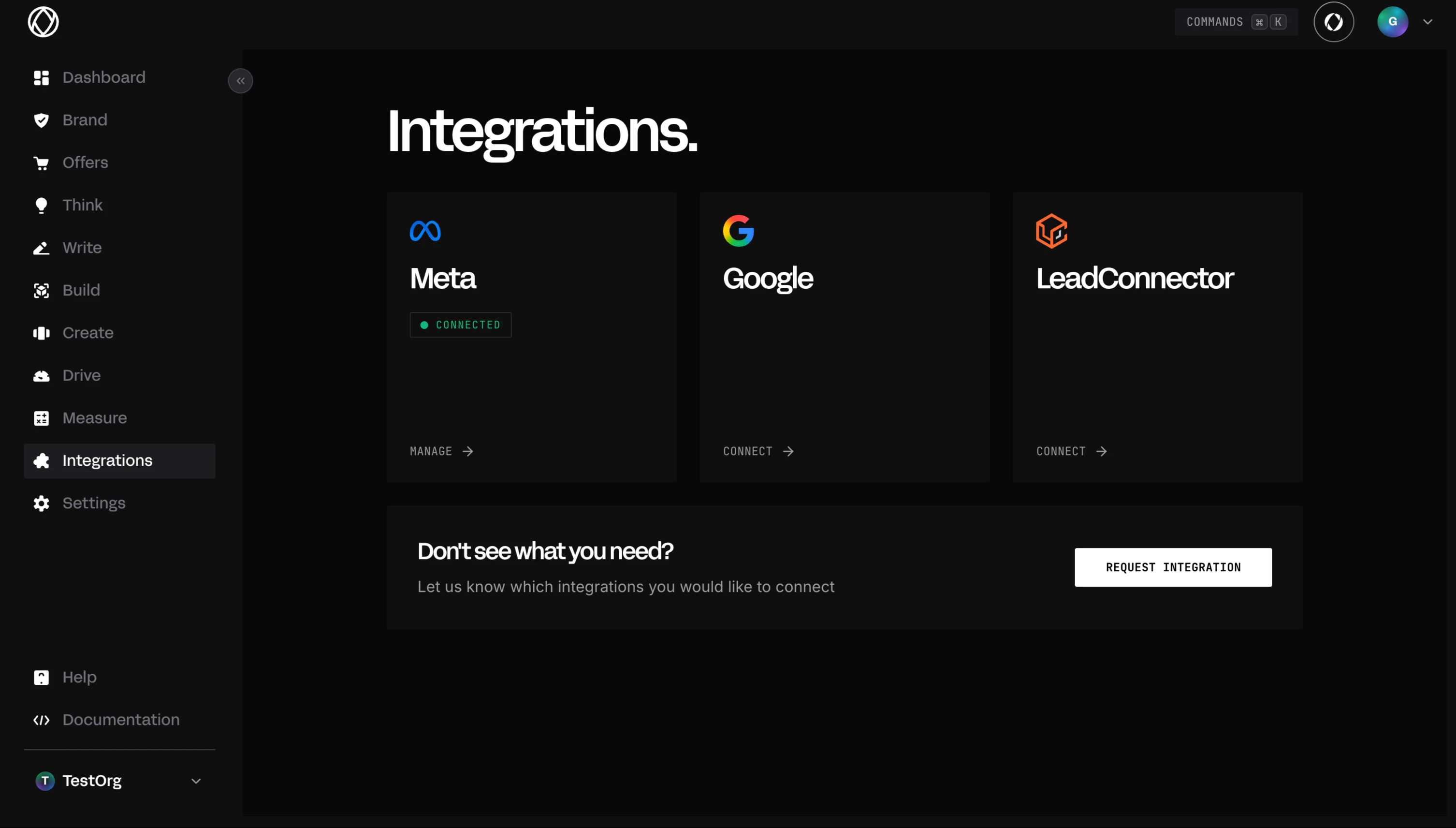
Step 1: Connect Account
Simple 3-step setup to connect your LeadConnector account to OlympusAI.1
Login to LeadConnector
Access your LeadConnector account and navigate to the integration settings to begin the connection process.

2
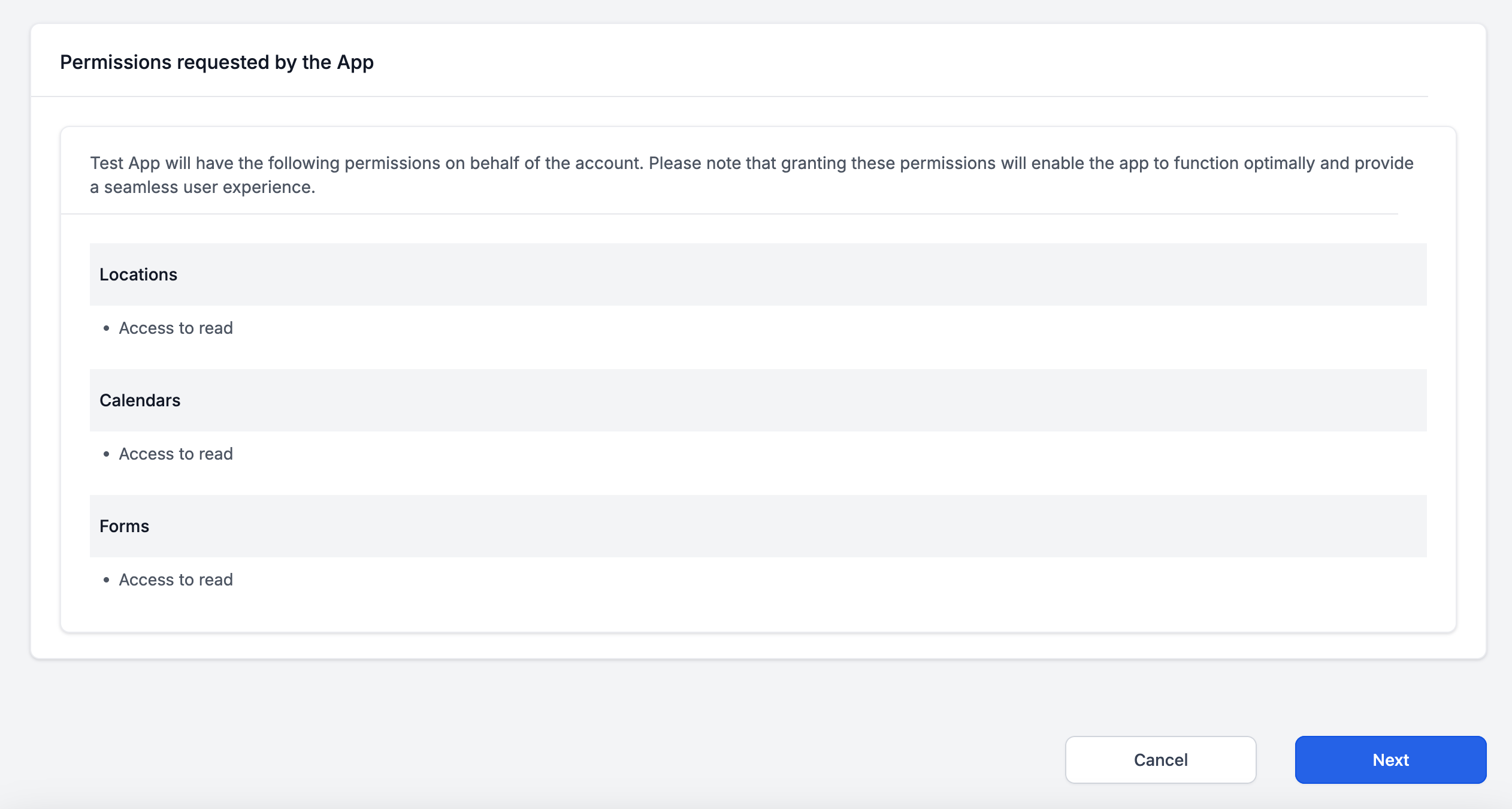
Allow Permissions
Grant OlympusAI the necessary permissions to access your LeadConnector account for lead sync and automation.

3
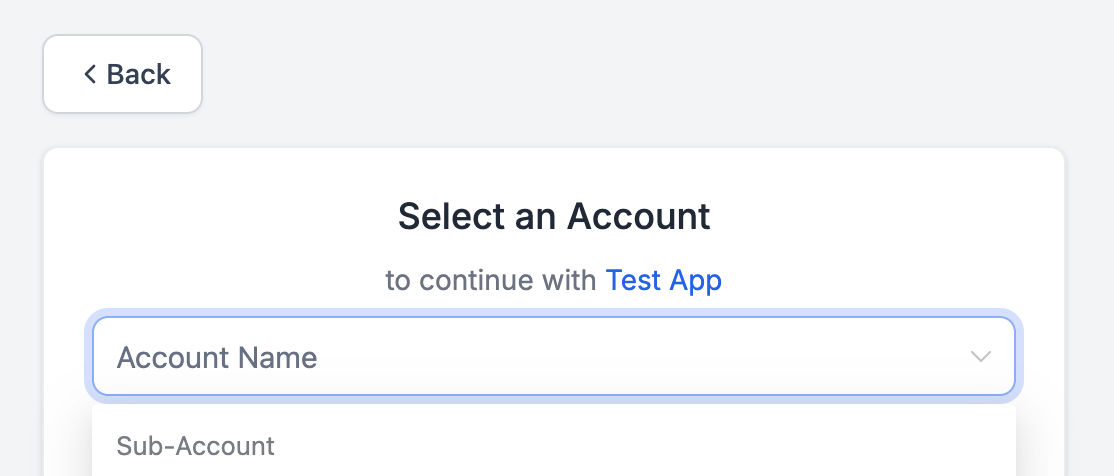
Select Sub-Account
Choose the specific sub-account you want to connect to OlympusAI for lead sync and automation.

4
Done!
Your LeadConnector account is now connected and ready to sync leads and automate your sales funnel.

Step 2: Create Forms & Calendar
Automatically create the essential forms and calendar needed for your funnel integration.Signup Form
Built funnel landing page - Capture initial leads with contact information and interest
level.
Qualification Form
Built funnel video page - Qualify prospects with detailed questions about their needs and
goals.
Booking Calendar
Built funnel cal page - Schedule appointments directly from qualified prospects.
Step 3: Build Your Funnel
Connect your forms to your funnel for complete automation and lead management.1
Navigate to Build
Go to Build → Funnels → New Funnel Build to start creating your automated sales funnel.
2
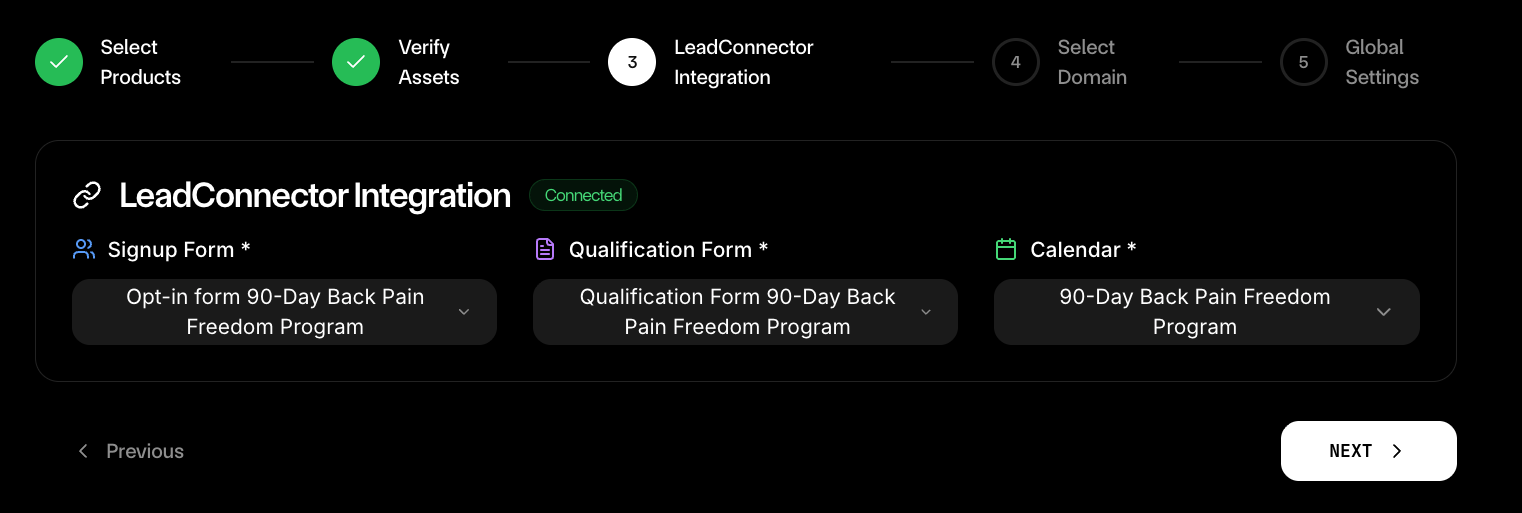
Configure Integration
On Step 4 GHL Integration, select your Signup Form, Qualification Form, and Calendar from the
dropdowns.

3
Build Your Funnel
Complete your funnel setup and launch your automated lead capture and nurture system.
Key Features
Lead Sync
Automatically sync leads from your funnels to your CRM for seamless customer management.Automatic Lead Capture
Automatic Lead Capture
Every form submission from your funnels automatically creates a new lead in your LeadConnector
CRM.
Real-Time Data Sync
Real-Time Data Sync
Customer information updates instantly across all platforms so your team always has current data.
Lead Scoring
Lead Scoring
Automatically score leads based on their behavior and responses to prioritize follow-up efforts.
Automation
Trigger follow-up sequences and nurture campaigns based on form submissions and customer behavior.Form Submission Triggers
Instant follow-up - Launch automated email sequences immediately when prospects submit
forms.
Behavior-Based Campaigns
Smart targeting - Trigger different campaigns based on prospect behavior and engagement level.
Appointment Reminders
Reduce no-shows - Automatically send appointment reminders and confirmations to booked
prospects.
Nurture Sequences
Long-term engagement - Maintain relationships with prospects who aren’t ready to book yet.
Funnel Integration
Connect forms to your funnels for complete automation from lead capture to conversion.1
Capture Leads
Use your Signup Form to capture initial contact information and interest level from prospects.
2
Qualify Prospects
Use your Qualification Form to gather detailed information about prospect needs and goals.
3
Schedule Appointments
Use your Booking Calendar to convert qualified prospects into scheduled appointments.
4
Automate Follow-Up
Trigger automated sequences based on prospect behavior and form submissions.
What Happens After Setup
Automated Lead Capture
Every prospect who interacts with your funnels automatically becomes a lead in your CRM.
Triggered Follow-Up
Automated email sequences launch based on prospect behavior and form submissions.
Unified Customer Data
All customer information syncs across platforms for complete visibility and management.
Reduced Manual Work
Eliminate spreadsheet management and manual data entry with automatic synchronization.
Pro Tips for Maximum Automation
Getting Started
Connect LeadConnector
Start automating your lead capture and follow-up sequences with LeadConnector integration.